
Torchlight: Infinite Codes: Free Rewards & Redeem Guide
Get Torchlight: Infinite codes for Jagged Primocrysts, follow the redemption steps, fix common code errors, and explore Tartarus season rewards in October.
Jump to

Torchlight: Infinite codes for October 2026
Grab your free Jagged Primocrysts before heading back into the Netherrealm. Torchlight: Infinite codes give you extra currency for shop purchases, including revive tokens and elixirs. With Tartarus launching on October 16, Torchlight: Infinite codes belong on your season-start checklist alongside checking your mail and collecting event rewards.
The codes below each offer 300 Jagged Primocrysts. Copy them exactly, enter them through the in-game redemption menu, and collect successful rewards from your mailbox.
| Code | Reward |
|---|---|
TLNIGHT | 300 Jagged Primocryst |
TLCHILLGO | 300 Jagged Primocryst |
TLXTL1011 | 300 Jagged Primocryst |
Start with whichever code you have handy, then work through the remaining entries. Keep the capitalization intact: TLNIGHT should stay uppercase, and the numbers in TLXTL1011 need to remain in the same order.
These rewards are useful whether you’re returning for another seasonal character or getting familiar with your hero. Revive tokens and elixirs are among the shop purchases available with Jagged Primocrysts, so check those options before spending.
Keep your reward collection organized. Redeem one code, read the result, and then move to the next entry. Afterward, open your mail and collect the rewards. That short routine makes it easier to spot a mistyped code without repeatedly entering the entire list.
The Tartarus launch also brings its own login and event rewards. Collect those alongside your redemption rewards so you can get back to your build, your loot, and the new seasonal systems.
How to redeem Torchlight: Infinite codes
You can redeem Torchlight: Infinite codes directly inside the game. Open the menu in the upper-right corner, go into Settings, and look under the Other tab.
 Image: Steam / XD
| Step | Action |
|---|---|
| 1 | Launch Torchlight: Infinite and open the menu icon in the upper-right corner. |
| 2 | Select Settings. |
| 3 | Open the Other tab. |
| 4 | Select Redeem Code. |
| 5 | Enter a code exactly as written and submit it. |
| 6 | Open Menu > Mail to collect a successful redemption’s rewards. |
The mailbox step matters. After the game accepts a code, head to Mail to claim the attached reward. Check there before entering the same code again because you haven’t seen the currency arrive.
Copy the code without changing it
Use the code itself, leaving out the Markdown backticks, reward description, and surrounding punctuation. When copying from a table, check that you haven’t grabbed an extra word or space.
For example, enter TLCHILLGO by itself. The text describing its 300 Jagged Primocryst reward belongs outside the redemption field.
Work through codes individually instead of pasting several into the same field. Read each result before moving on, then check your mailbox after successful submissions.
Make redemption part of your login routine
Before starting a longer farming session, handle the quick account tasks together:
- Enter the codes you want to redeem.
- Open Mail and claim successful rewards.
- Collect the current seasonal check-in rewards.
- Review the event requirements you plan to complete.
This keeps reward collection from interrupting your session later. It also gives you a clear view of what you have available before browsing the shop.
If you’re installing the game on PC, use the Torchlight: Infinite Steam page to download it, then follow the redemption path above inside the game.
Expired Torchlight: Infinite codes
Older Torchlight: Infinite codes still turn up in searches long after their promotions end. Use this section to recognize retired entries and avoid spending time on them.
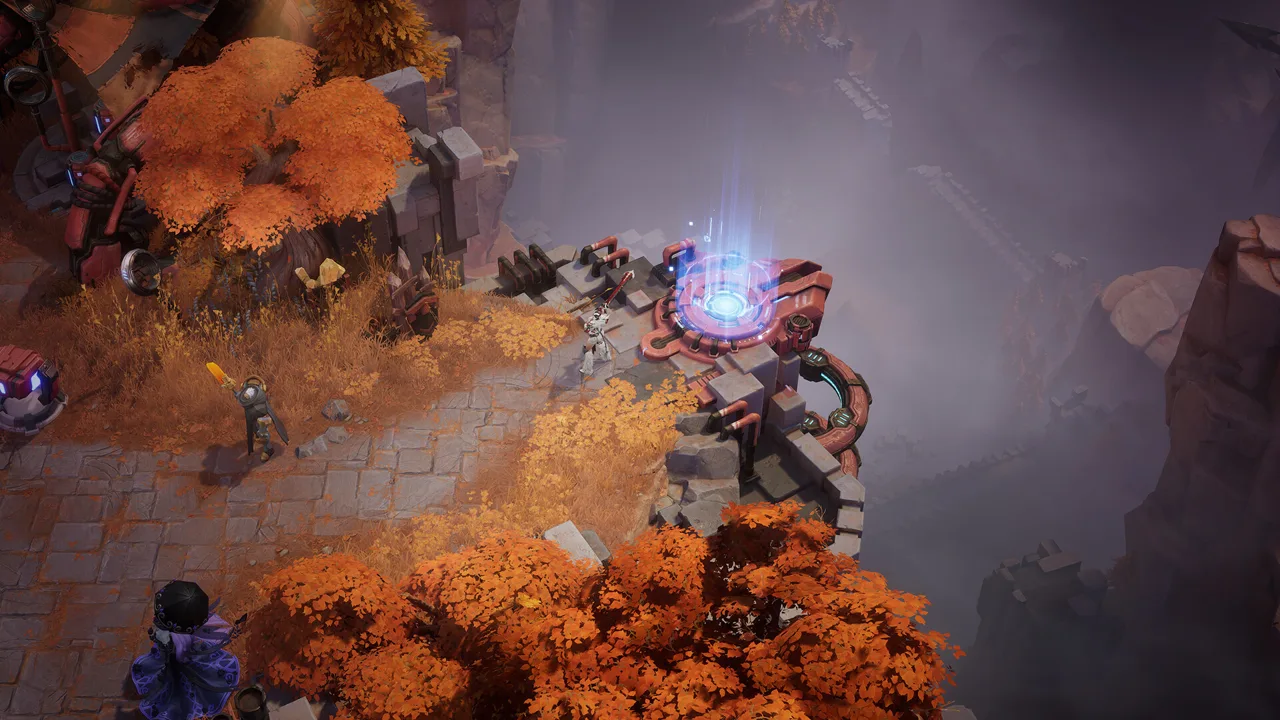 Image: Steam / XD
| Expired code | Expired code |
|---|---|
2025TORCHCON | TL0718T |
SUMMERCROW1 | OUTLAWCROW1 |
TLSS61025 | TalkLightSS7 |
FATE0110 | 0104TLSS7 |
SS7TALKLIGHT | HT4UF2EIR |
Z1HLW3CX6YTJ | SPYR92CL |
40MW26O7TIP | BZPQRKXJL |
S4NDG1LM3 | Z54S8MRPJQVH |
DYGUKLQFCS | 4H9KCF60 |
U7VHJOQAIRY | ss4mid |
happy2024 | torchcon2026 |
The deadline for torchcon2026 was July 12 at 23:59. That redemption window has passed, so leave it out of your October attempts.
Pay attention to the entire code when checking an older promotion. 2025TORCHCON and torchcon2026 are separate entries, and neither belongs in your current redemption routine.
Season names and familiar words can make an expired code look relevant again. Check the exact string against the retired entries before retrying it. Changing capitalization or substituting a newer year won’t create a replacement code.
Keep personal notes simple, too. If you save codes for later, separate expired entries from the codes you still intend to enter. A shorter working list is easier to follow when you return after a break.
Why your redemption isn’t working
When Torchlight: Infinite codes fail, check the text and the promotion’s expiration before repeating the attempt. Capitalization matters, and limited redemption windows can close while an old code continues circulating.
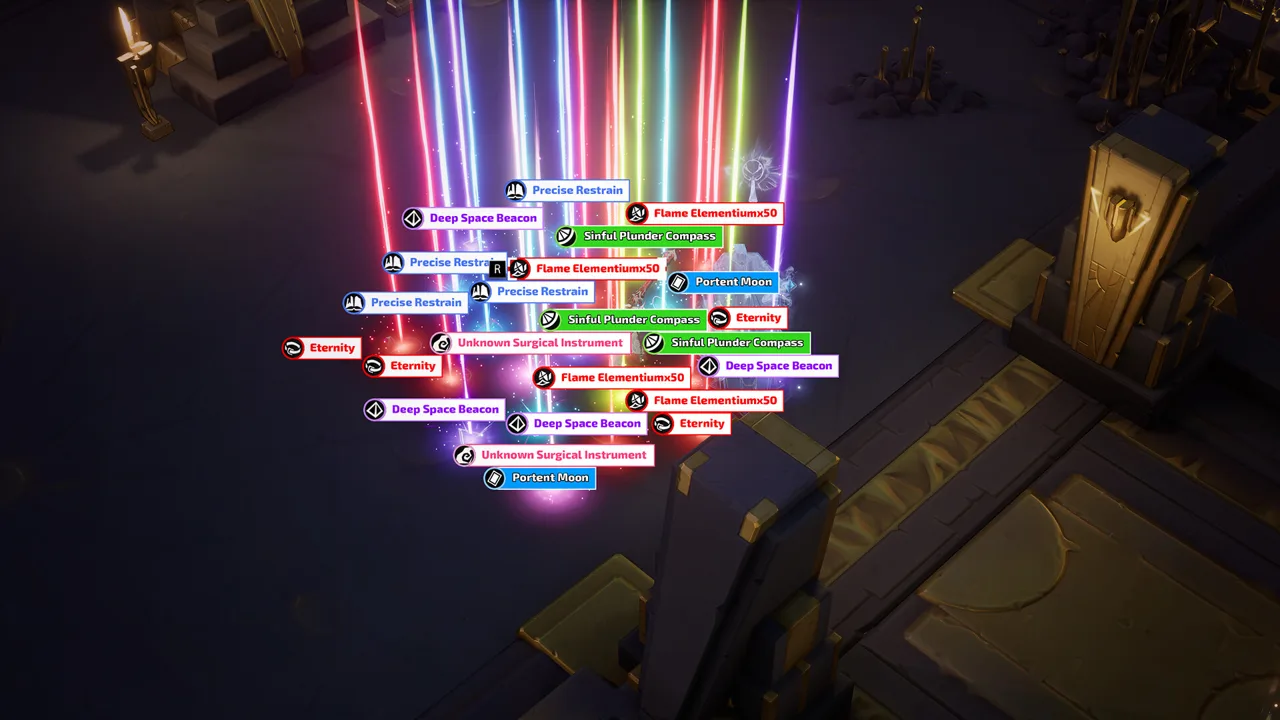 Image: Steam / XD
Check capitalization and characters
Compare your entry with the code table character by character. Preserve uppercase letters, lowercase letters, and numbers exactly as displayed.
TLXTL1011 is especially worth a careful glance because the ending contains several digits. Copy it directly rather than rebuilding it from memory.
If a pasted entry fails, clear the field and paste just the code again. Check the beginning and end for stray spaces or punctuation before submitting.
Don’t change a code to match the name of the current season. A redemption string works as written; adjusting it to include “Tartarus” won’t turn it into a seasonal promotion.
Check whether the promotion has ended
Compare the code against the expired section. If it appears there, move on to the October entries instead of repeatedly submitting it.
An older code can also return a “Not available yet” message after its redemption period has ended. Check the promotion’s deadline rather than assuming repeated attempts will make it available.
This is particularly useful around a season launch, when old rewards and new announcements can appear close together. Keep the code and its redemption window paired in your notes.
Check Mail after a successful entry
If the redemption succeeds but you’re still looking for the reward, open Menu > Mail.
Code rewards are delivered through the in-game mailbox. Claim the reward there before returning to the shop or your character’s progression.
For a straightforward troubleshooting pass:
- Compare the exact code text.
- Remove anything copied around the code.
- Check the expired entries.
- Open Mail after a successful submission.
Follow that sequence once carefully. It’s more useful than cycling through every old promotion you can find.
Where to find more codes and Tartarus rewards
Watch the game’s Discord announcements and X account for new Torchlight: Infinite codes. Use the social navigation on the official Torchlight: Infinite website to reach the developer’s channels.
Check announcements around seasonal updates and events, and read the redemption deadline whenever one accompanies a code. Enter new promotions promptly so they don’t sit forgotten while you’re busy progressing through the Netherrealm.
Tartarus launches on October 16, bringing welcome gifts, seasonal activities, and additional ways to collect rewards. Include those activities in your plans alongside code redemption.
| Tartarus activity | Reward |
|---|---|
| Daily check-ins | Rare and Magic Drop Pactspirits |
| Seven consecutive days of sign-ins | Legendary Drop Pactspirit Selection Pack |
| Season events | 30 Legendary Battle Pactspirit draws, Rare seasonal Drop Pactspirits, upgrade Insignias, and an exclusive weapon appearance |
| Limited-time event | Cloudgatherer - Surging Gold and Happy Chonky |
Keep the consecutive sign-in reward in view
The seven-day sign-in reward requires consecutive days. Put that check-in near the start of your session so you remember it before getting absorbed in combat or trading.
Review the season events as well. The reward lineup includes Pactspirit draws, seasonal Drop Pactspirits, upgrade Insignias, and a weapon appearance. Pick the event objectives you want to pursue and check their requirements inside the game.
Collecting codes takes care of one reward route. Keeping up with check-ins and seasonal activities covers the other opportunities available during the launch.
Plan your early Trade House searches
Once the reward collection is done, think ahead to the gear your build needs. Tartarus adds Trade House condition filters and preset sharing, giving you more tools for organizing searches.
Set up searches for the Pedigrees and Divinity Slates your planned build uses. Compare their rolls with your actual requirements before purchasing, and keep those requirements handy while browsing.
Check the market early in your progression rather than waiting until you need a specific item immediately. Review prices across matching items, and avoid buying an expensive roll simply because it appears in a build guide.
Keep shop currency purchases and Trade House planning as separate decisions. Redeem your codes, collect your mail, and then review what your character needs next.
FAQ
What rewards do Torchlight: Infinite codes give?
The October entries TLNIGHT, TLCHILLGO, and TLXTL1011 each offer 300 Jagged Primocryst. Jagged Primocrysts are shop currency, with revive tokens and elixirs among the available purchases. Successful code rewards arrive through your in-game mailbox.
Where is the Redeem Code button?
Open the menu in the upper-right corner, select Settings, and switch to the Other tab. Choose Redeem Code, enter the code exactly, and submit it. After a successful redemption, open Menu > Mail to collect your reward.
Can I still use torchcon2026 in October?
Its deadline was July 12 at 23:59, so its redemption window has ended. Use the October code list instead, and check the developer’s announcements for new promotions. Keep expiration dates beside any codes you save for later.
What free rewards are available during Tartarus?
Daily check-ins award Rare and Magic Drop Pactspirits, while seven consecutive sign-in days award a Legendary Drop Pactspirit Selection Pack. Seasonal events also offer 30 Legendary Battle Pactspirit draws, upgrade Insignias, and an exclusive weapon appearance. A limited-time event includes Cloudgatherer - Surging Gold and Happy Chonky.
Popular pages
Torchlight: Infinite Hero Tier List: SS14 Top Picks
Use this Torchlight: Infinite hero tier list to compare SS14 Tartarus picks, proven endgame results, starter options, and the traits worth playing next.

Torchlight: Infinite Best Builds for Tartarus Season
Explore Torchlight: Infinite best builds for Tartarus, from fast melee starters to cold casters and mobile minions. Pick your hero and plan smart upgrades.
Torchlight: Infinite Afterlight Guide: Builds & Loot
Explore Torchlight: Infinite Afterlight, from Selena's Terra builds and Nether King's Divinity to escort loot, Divine Ascent, and its return in Tartarus.

Torchlight: Infinite Divinity Slate Guide: Craft Smarter
Learn the Torchlight: Infinite divinity slate system, from talent tiers and branding to Divinity Pacts and resets. Plan your upgrades before spending FE.
Join the community
Game links and player communities: