
Torchlight: Infinite Controller Support: PC Play Guide
Torchlight: Infinite controller support includes partial support on Steam. Learn what that means for PC play, controller expectations, and next season.
Jump to
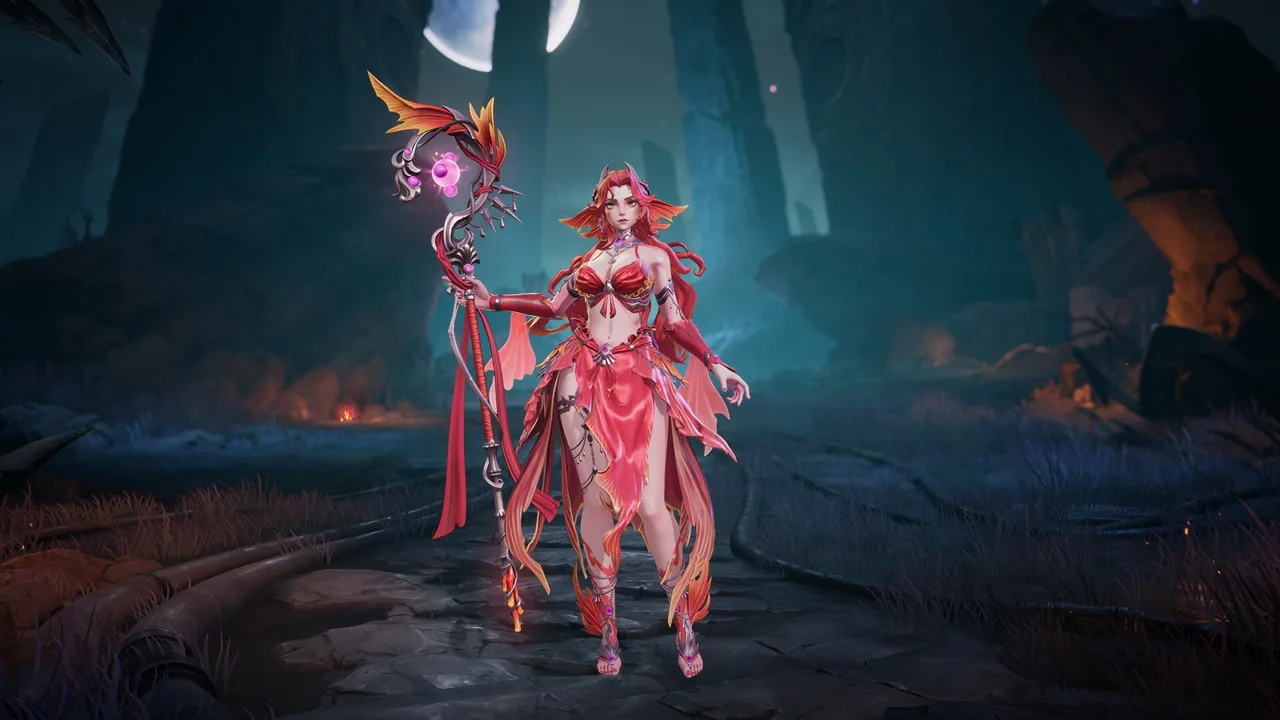
Does Torchlight: Infinite Have Controller Support?
Ready to trade your desk posture for a controller during the next loot hunt? Torchlight: Infinite controller support is available on Steam, with a Partial Controller Support classification. Understanding Torchlight: Infinite controller support helps you plan for both the fighting and the equipment management that fill a farming session.
The key word is partial. You have controller support on the Steam version, but that classification does not promise an experience you can operate entirely with a gamepad. Keep a keyboard and mouse within reach for interactions that need them.
Here is the essential PC information:
| Feature | Current PC information |
|---|---|
| Controller support | Partial Controller Support |
| Supported desktop operating system | Windows |
| Game access | Free to play |
| Internet requirement | Broadband connection |
| Storage requirement | 10 GB available space |
For a game built around repeated battles, equipment drops, and extensive character customization, input comfort matters. Your controls need to work for the activities you actually spend time doing, whether that means pushing through enemies or comparing the items you brought home.
Start with the Torchlight: Infinite Steam page if you want to download the PC version. Since the game is free to play, you can evaluate your own setup before deciding how you want to spend your next season.
Think of Torchlight: Infinite controller support as one part of your setup. Give the entire play session some attention, including the time between fights.
What Partial Support Means for Your Play Session
Approach Torchlight: Infinite controller support with the whole action RPG loop in mind. Fighting is central, but so are skills, equipment, talents, and trading. A comfortable session needs to account for all of them.

The game revolves around collecting loot and developing your own hero build. That gives you several distinct activities to consider:
- Fighting through groups of enemies.
- Reviewing equipment and comparing possible upgrades.
- Choosing skills and shaping a build.
- Working with the Trade House.
- Managing seasonal systems and rewards.
Use those activities as a personal evaluation checklist. Pay attention to the interactions you repeat and whether your setup makes those interactions comfortable.
Avoid judging the entire experience from movement alone. A character moving around successfully tells you something useful, but it does not answer every question about playing an equipment-heavy RPG.
The same applies to combat. Consider the build you intend to play, including its attacks and other active skills. Evaluate the actions that matter to that build rather than assuming every character will feel identical.
Keep any alternate input you use close enough that switching does not interrupt your session. Partial support makes that a practical consideration, particularly when you move from combat into longer stretches of character management.
Separate input preferences from build goals, too. You might be planning a relaxed campaign run, experimenting with skills, or concentrating on seasonal progression. Judge your controls against that actual goal.
Comfort is personal. Choose your setup around the way you want to play, then give yourself enough time with the game's different activities to make a useful decision.
Check the PC Requirements Before Planning a Long Session
Torchlight: Infinite controller support handles the input question; your hardware still needs to handle the game. The Windows version requires a broadband connection and 10 GB of available storage, with an SSD strongly recommended.
Use these hardware targets when checking your PC:
| Component | Minimum requirement | Recommended requirement |
|---|---|---|
| Processor | Intel Core i5 2500 or AMD FX-4350 | Intel Core i5 6500 or AMD Ryzen 3 1200 |
| Graphics | Nvidia GTX 660Ti or AMD R9 270 | Nvidia GTX 1060 or AMD RX 480 |
| Graphics memory | 2+ GB VRAM | 4+ GB VRAM |
| DirectX | Version 11 | Version 11 |
| Storage | 10 GB available | 10 GB available |
| Storage guidance | SSD strongly recommended | SSD strongly recommended |
The minimum memory requirement is 8 GB RAM. Windows 10 is the recommended operating system.
Check these requirements before organizing your play space around a controller. Input support and hardware requirements cover different parts of the experience, and both deserve attention before a long session.
Use an SSD when you have that option, following the game's storage recommendation. Also leave the required space available before downloading or updating the game.
Keep the broadband requirement in mind when choosing where to play. Moving away from your usual desk does not remove the game's need for an internet connection.
These specifications give you a hardware baseline. They are not frame-rate targets, so use them to assess your PC rather than attaching a particular performance expectation to a processor or graphics card.
For the desktop version, plan around Windows. The PC platform support covers Windows, while native macOS and Linux versions are outside that platform support.
Match Your Controls to Your Combat and Build Choices
Torchlight: Infinite controller support matters most when you connect it to the character you want to develop. The game offers melee combat, magical attacks, ranged attacks, and extensive customization through heroes, talents, skills, and equipment.
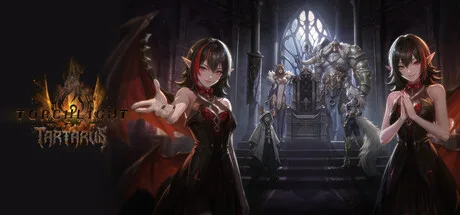 Image: Steam / XD
Start with the combat style that interests you. Then consider how you want to handle the actions that style asks you to repeat.
| Combat option | What the game offers |
|---|---|
| Melee attacks | Close-range fighting against incoming enemies |
| Magical attacks | Explosions and damaging pools |
| Ranged attacks | Attacks against enemies at a distance |
| Hero customization | Unique heroes with different build possibilities |
| Build development | Talent choices, skills, and legendary equipment |
These are combat options, rather than a controller ranking. Choose the kind of fighting you enjoy and assess its controls as you develop the character.
The character system includes 24 talent tabs, more than 200 legendary equipment items, and more than 240 skills. That creates plenty of decisions beyond which input device sits in your hands.
Keep your attention on the interaction between your skills and equipment. A controller preference does not replace the work of building a character whose abilities fit together.
Give equipment review its own time. With loot collection at the center of the game, comparing drops is part of playing rather than something to rush through between fights.
Use the Trade House when you want to participate in the equipment economy. An item that does not fit your current character can still have a place in another build, which makes trading another activity to include when evaluating your setup.
If you enjoy experimentation, explore the available build choices without assuming a particular hero is automatically the controller choice. Select heroes for their abilities and the character you want to create.
Also consider how much of a session you want to devote to fighting versus character development. Both belong to the game. Arrange your input devices so you can move between those activities without turning every equipment check into an inconvenience.
What the Tartarus Season Adds to Your Routine
The Tartarus season launches Oct 16, bringing a prison-management mechanic, Followers, a new Youga Hero Trait, and changes to several existing systems.
For anyone evaluating Torchlight: Infinite controller support during this season, the important practical point is how many different activities now sit alongside combat.
Tartarus sends you after escaped inmates in the Netherrealm. You collect Prisoner Nameplates and manage the prison through a 20-day sentence. At the end of that sentence, a riot leads into battles in the central prison complex and rewards from Warden's Caches.
That 20-day sentence belongs to the seasonal mechanic. Keep it separate from your real-world play schedule when thinking about the season's structure.
| Tartarus feature | What it adds |
|---|---|
| Seasonal prison | Inmate hunting and management through a 20-day sentence |
| Prison events | Torture Instruments and Prison Incidents |
| Sentence finale | A riot, central prison battles, and Warden's Caches |
| Followers | Allies with exclusive Tartarus Skills |
| The Ultimate One | A new Hero Trait for Spacetime Witness Youga |
| Trade House changes | Condition filters and preset sharing |
Followers add another layer to character development. Their skill drops come with random Support Skills attached, and higher-ranked Followers can equip more skills. Recruit and develop them with your own build in mind.
Youga's new Hero Trait, The Ultimate One, centers on hunting alternate versions of himself and taking their power. Its Clockwork Core offers three development paths that you can combine.
The season also changes several everyday management tasks. Trade House condition filters and preset sharing expand the tools available for trading. Compasses and map materials can be favorited and saved as presets, while Memory Revival gains the ability to reroll its result.
Use those preset and favorite features for the materials you manage repeatedly. Include trading and seasonal management in your evaluation of how you want to play.
There are login rewards to consider as well. Signing in for seven consecutive days grants a Legendary Drop Pactspirit Selection Pack. Check the seasonal rewards alongside your character plans so you can account for those events during your time with Tartarus.
Controller support is useful context, but your final setup should fit the full season: fighting, collecting, developing your hero, and managing the systems that support the next run.
FAQ
Does Torchlight: Infinite controller support cover the Steam version?
Yes. Torchlight: Infinite controller support on Steam is classified as Partial Controller Support. Keep a keyboard and mouse accessible for interactions that need them.
Does Torchlight: Infinite have full controller support?
Its current Steam classification is partial controller support. Plan your setup around that designation when deciding whether to keep alternate input devices nearby.
What PC hardware does Torchlight: Infinite require?
Minimum requirements include 8 GB RAM, an Intel Core i5 2500 or AMD FX-4350, and a GTX 660Ti or AMD R9 270 with at least 2 GB VRAM. You also need DirectX 11, broadband internet, and 10 GB of available storage. An SSD is strongly recommended.
What does the Tartarus season add?
Tartarus adds seasonal prison management, Followers, and Youga's The Ultimate One Hero Trait. It also introduces Trade House condition filters and preset sharing, along with improvements to map-material management and other systems.
Continue with
 Torchlight: Infinite Mac Guide: Downloads and SetupExplore Torchlight: Infinite Mac options, understand Steam compatibility, and follow the emulator setup steps before starting your next seasonal loot hunt.
More in Platforms
Torchlight: Infinite Mobile Download and Season Guide
Play Torchlight: Infinite mobile on Android or iPhone. Explore official downloads, hero builds, trading, and the Tartarus season before your next loot run.

Torchlight: Infinite On Steam Deck: Settings & Fixes
Play Torchlight: Infinite on Steam Deck with practical controller tips, graphics settings, Proton fixes, and battery-saving advice for your next loot run.
Torchlight: Infinite PS5: Release Plans and How to Play
Explore Torchlight: Infinite PS5 release plans, current PC and mobile options, controller support, and what the Tartarus season brings to your loot hunt.
Join the community
Game links and player communities: